Tag: PC

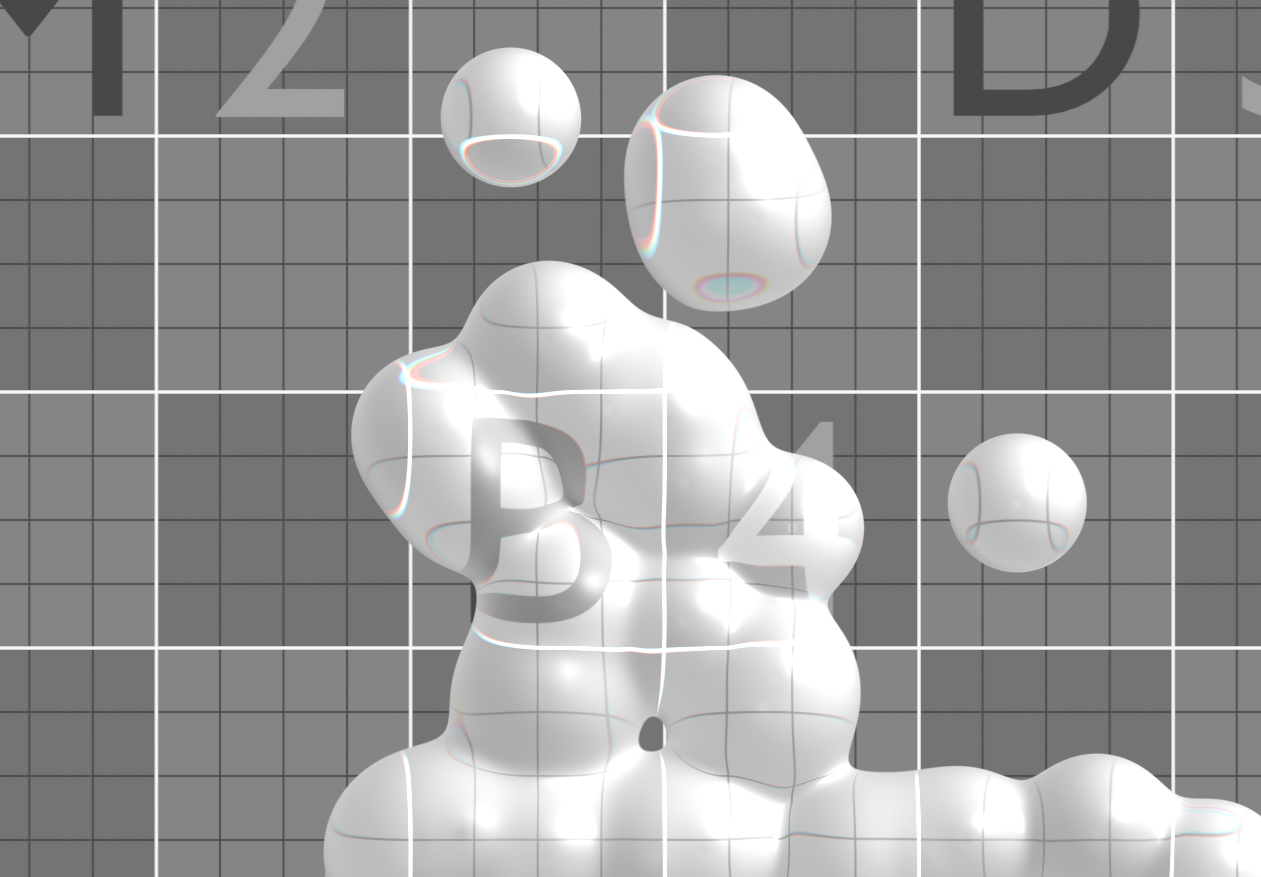
  • Liquid Glass PixiJs

    Liquid Glass PixiJs

    I recently tried my hand at PixiJS for the first time and it was a really fun way to dive into creative coding on the web.

    For this little experiment I wanted to recreate that beautiful liquid glass aesthetic you see in the new Apple’s designs. Soft, fluid, and translucent. The demo combines metaballs to get those organic, flowing shapes with a custom shader that adds refraction, bending light as if it were real glass. It’s simple, but watching it morph and flow in the browser feels pretty magical.

    Just click and drag around to interact with it.

    I decided to study PixiJS now because WebGPU is finally becoming a reality and it feels like the perfect time to get more comfortable with GPU-based graphics on the web. Even though this demo still runs on good old WebGL, it made me excited about what will soon be possible: better performance, more control, and even more creative freedom when WebGPU becomes the standard.
  • Scape

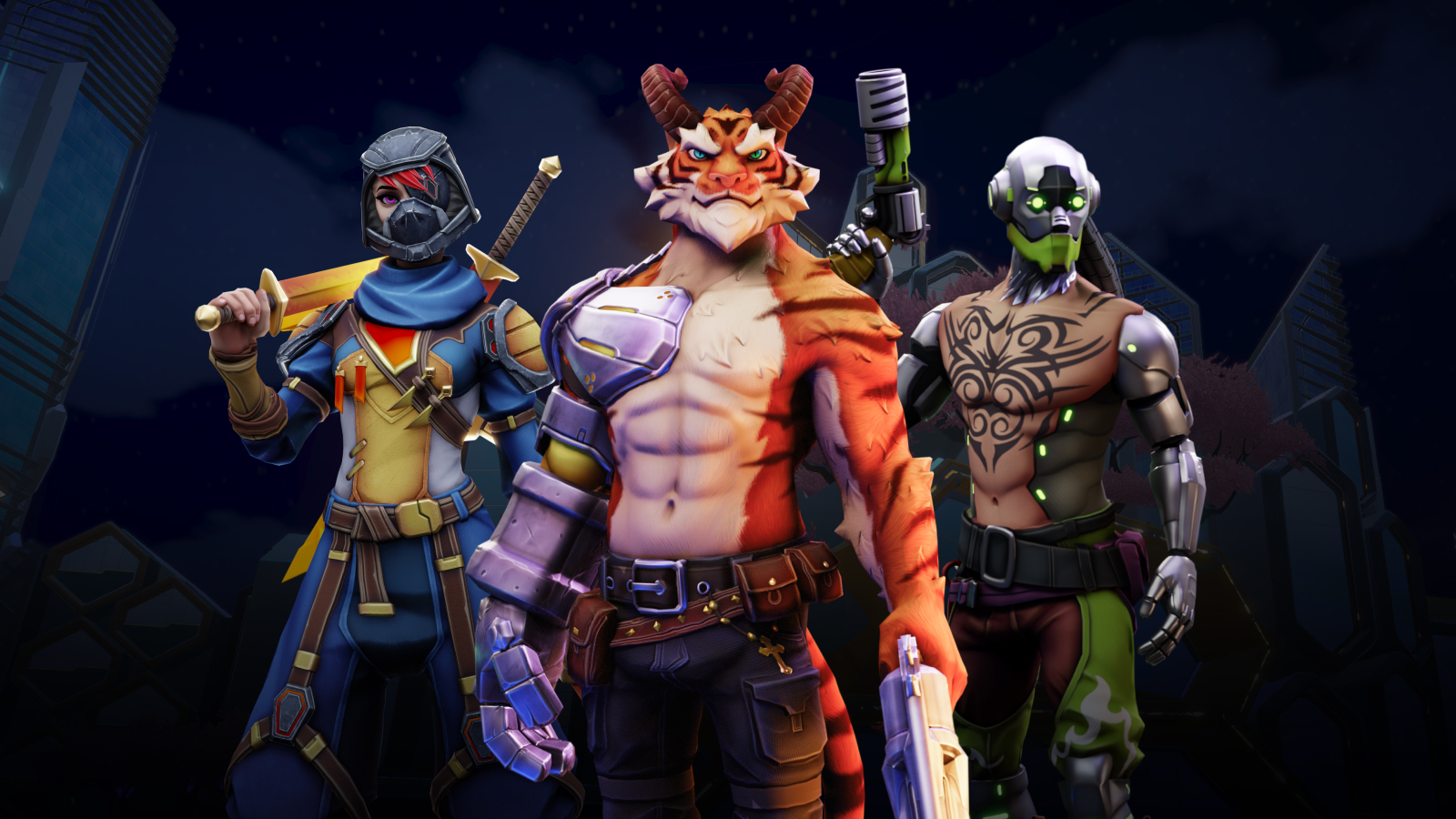
    Scape

    Scape is a MMO and a UGC platform, so the project were divided into 3 parts, a custom network engine, a runtime game editor and the game. In this project I`ve worked as Lead Technical Artist.

    The project was being made with Unity3D, and was going to be released for PC and Mobile. We were making assets that are customizable within the game editor and the importing process should be as easy as possible to favor outsourcing and enabling users to also upload assets.

    Shaders
    • Game shaders using custom channel packing textures.
    • Height-Blend.
    • Fake Interior.
    • Folliage.
    • Vegetation.
    • Water.
    • Skybox.
    • Vfx.
      • Ubershader.
      • Portal Shader.
      • Vertex animated.
    Art Production Pipeline
    • Presented and taught to artist a Trimsheet-like texturing with vertex paint approach, to improve 3D production time and runtime optimization.
    • Created sample files for 3D artists.
    • Re-created our base shaders in blender, so the artist can preview and work in the model already seeing the final result in blender.
    • Implemented naming conventions and folder structures.
      • This would ensure the assets were not creating extra material instances and were flagged as the right type of asset, and its import setting.
    • Prefab Manager.
      • We created a solution to make it easier to track our prefabs, flagging its current state and packing then into lists.
    • Asset Integration.
      • Blender Addon, that enabled the artists to quickly fix naming conventions, and add additional data to the model, like the Colliders.
      • Asset importer, the importer would re-validate the naming conventions, and translate the additional data as the necessary unity components. This enabled us to offset work from art integration to the 3D artists.
    Runtime Optimizations.
    • Impostors Setup.
    • Light LOD.
    • Cleaning up models.
    • Cleaning up import settings.
    • Creating atlas textures.
    • Baking models.
    • Debugging and frame profiling.
    Systems
    • Camera Controls and Input setup and responsivity.
    • Easy to use screenshot system.
    • Thumbnail generator.
    • Skybox Volume.
      • Together with our custom skybox shader, the volume component is used to drive the values of it.
    • Wind System.
    • Material Interaction System.
      • Water.
      • Foliage.
      • Sfx.
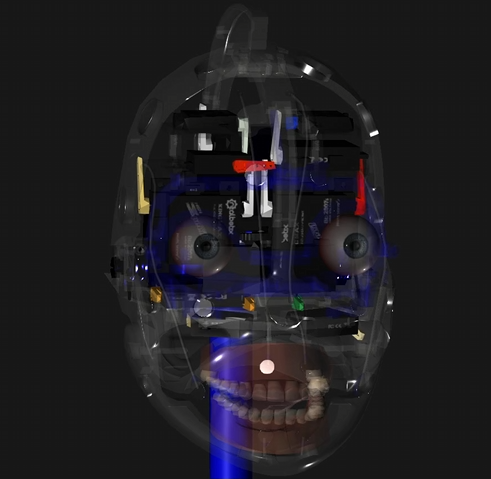
  • Robot Head Controller

    Robot Head Controller

    • Controller and setup application for robotic head.
      • 3D models
      • Development
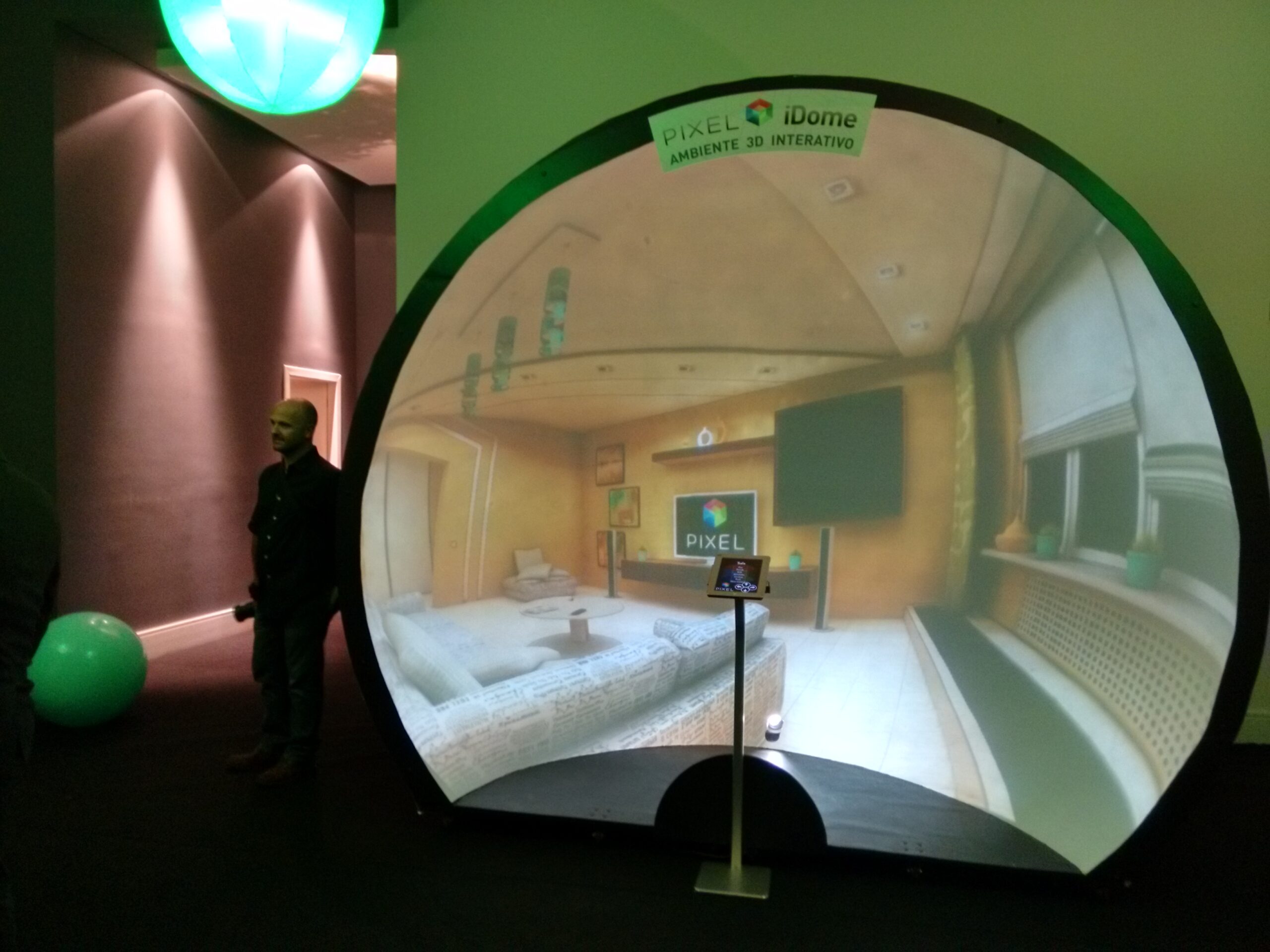
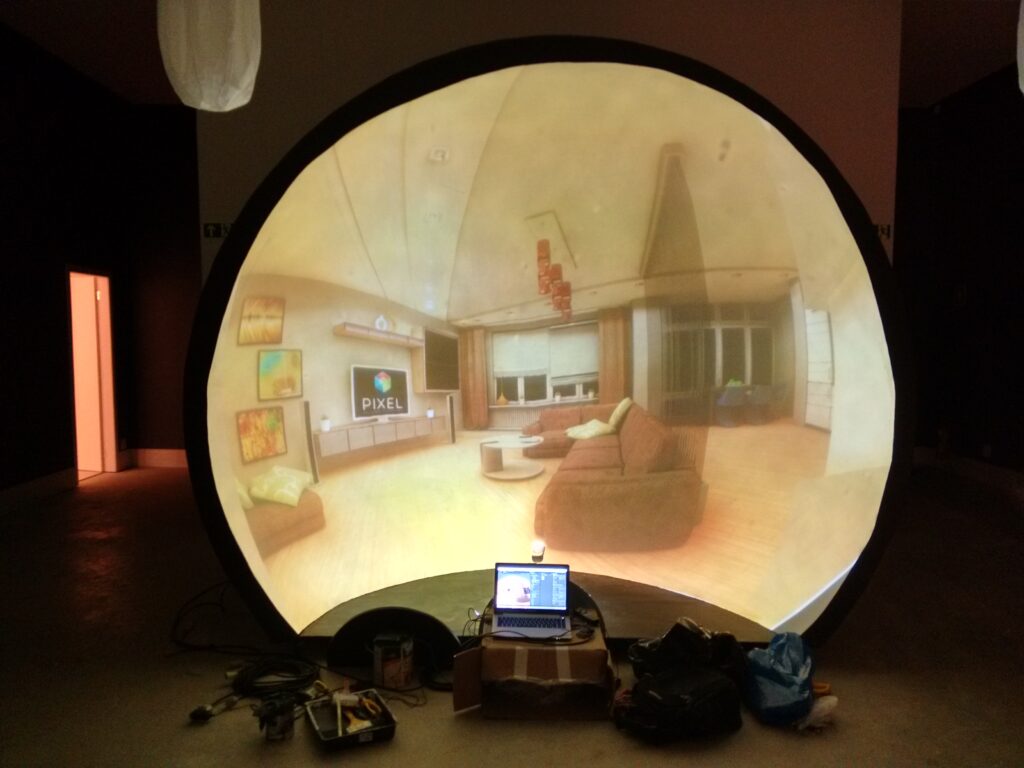
  • PixelSAV iDome

    PixelSAV iDome

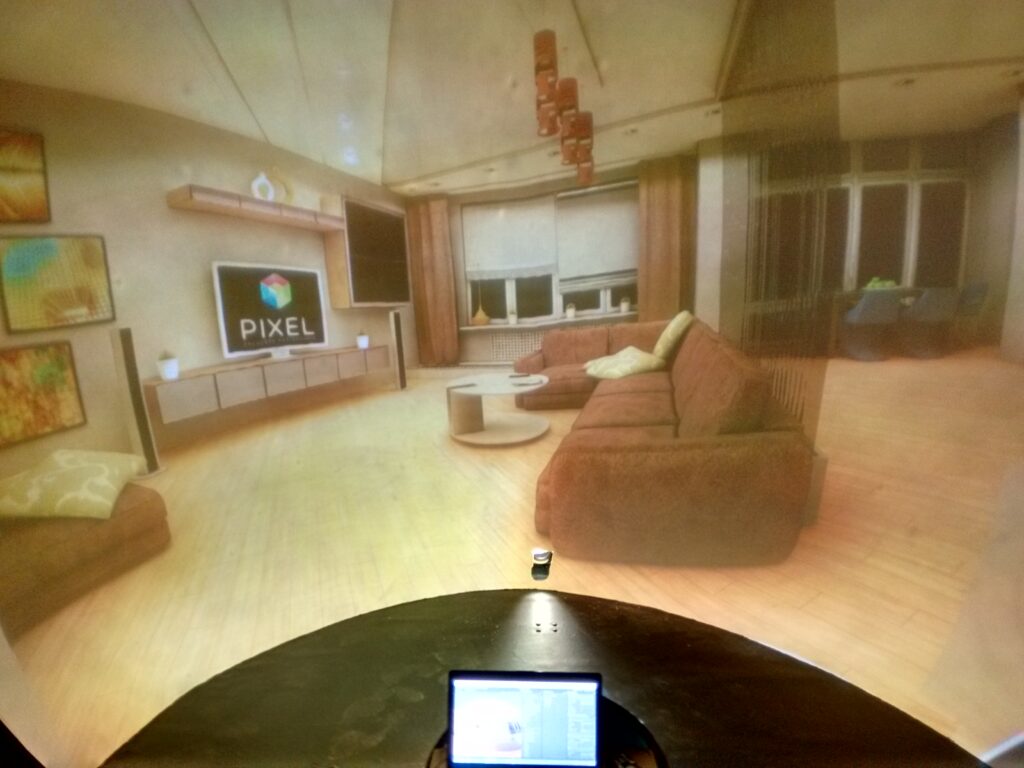
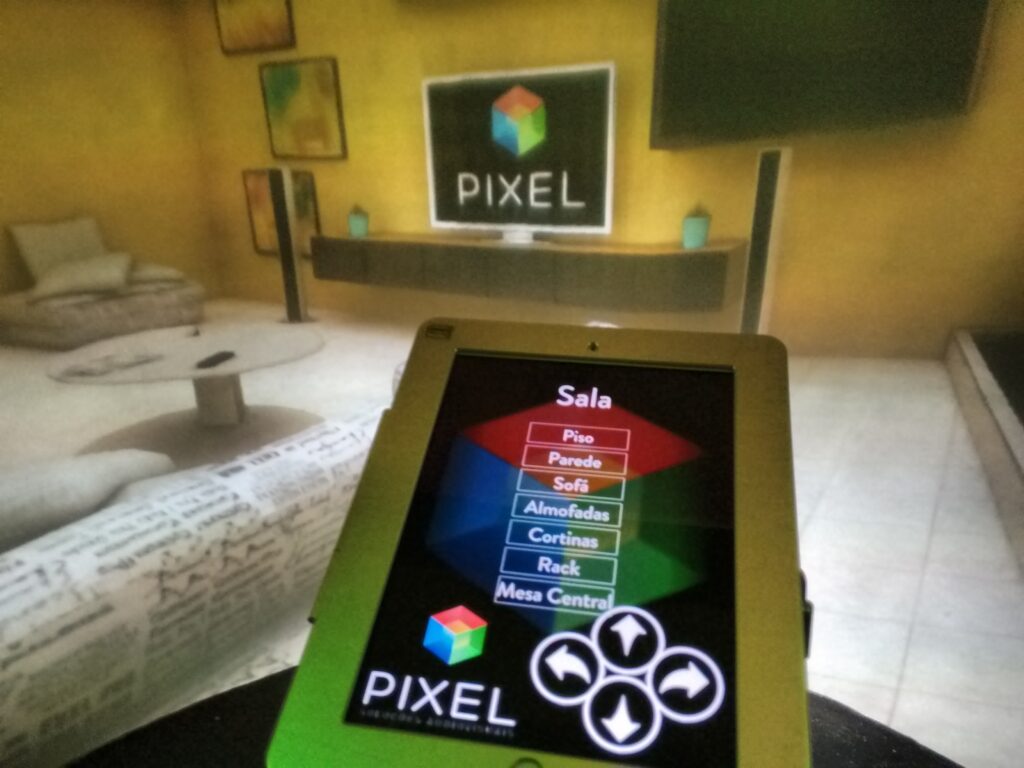
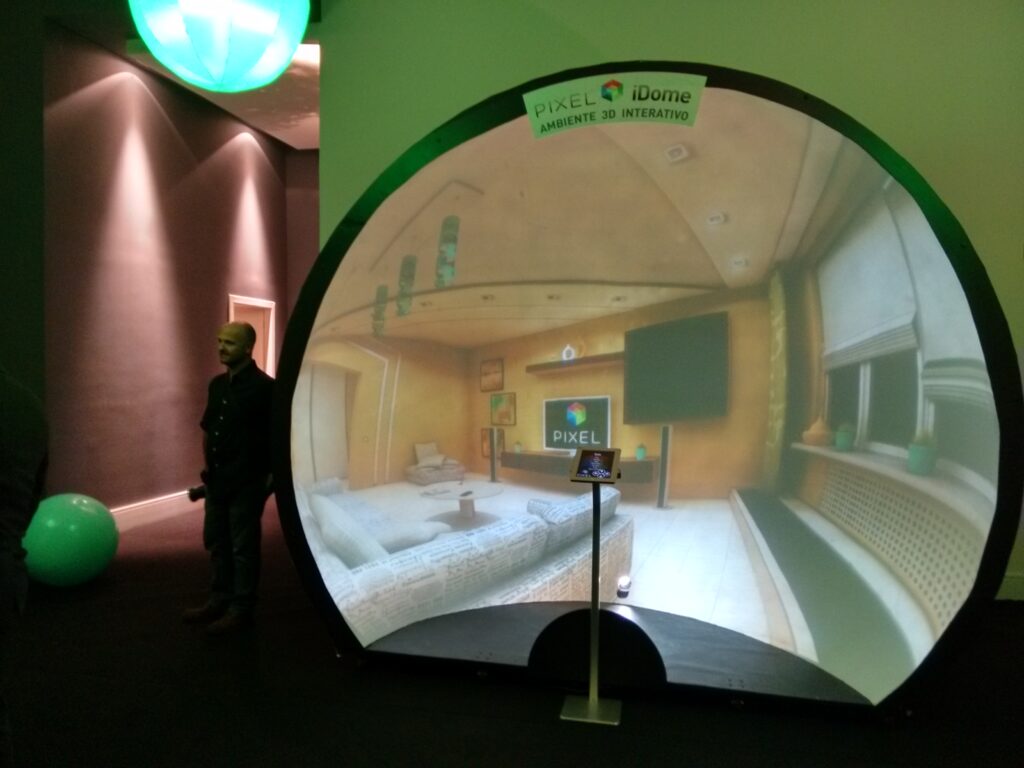
    Interactive real estate walkthrough with dome projection.

    And another iOS application connect to it to be used as a controller.

    Solo Developer.